Case study
Neovim Configuration
My Lua configuration for Neovim, with project navigation, Git tools, language servers, and formatting integrated into a Ghostty and tmux workflow.
Purpose
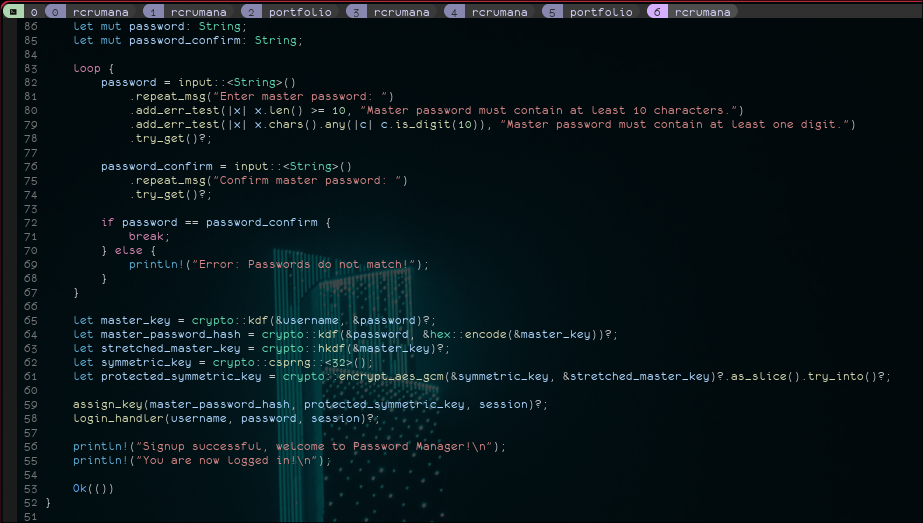
This is my daily editor configuration for writing code and Markdown in a terminal. It is set up around Ghostty and tmux, with shared pane navigation and shortcuts for finding files, moving between a few active buffers, and reviewing Git changes.
Configuration structure
init.lua loads editor options, autocommands, keymaps, and lazy.nvim. Files under lua/config/ define editor-wide behavior; files under lua/plugins/ group plugins by workflow, including language tooling, Git, navigation, and Markdown.
Language servers attach when a file opens. Other plugins load on commands, keybindings, or editor events. Completion is loaded at startup. The repository also records the terminal assumptions in docs/terminal.md.
Editing workflow
The main tools and how they fit together.
Files and panes
Telescope searches files and project text. Harpoon keeps a short list of active files, and Oil lets me edit directory contents in a buffer.
vim-tmux-navigator uses the same directional shortcuts for editor splits and tmux panes.
Language tools
Mason installs language servers, nvim-lspconfig configures them, and blink.cmp combines LSP, path, snippet, and buffer completion. Treesitter provides syntax parsing and highlighting.
Conform handles filetype-specific formatting with an LSP fallback. Format-on-save is enabled except for C and C++.
Review and notes
Gitsigns shows changes beside the code; Fugitive provides Git commands inside the editor. Trouble collects diagnostics and Undotree exposes edit history.
render-markdown.nvim displays Markdown structure in the buffer, and todo-comments highlights TODO and FIXME notes.